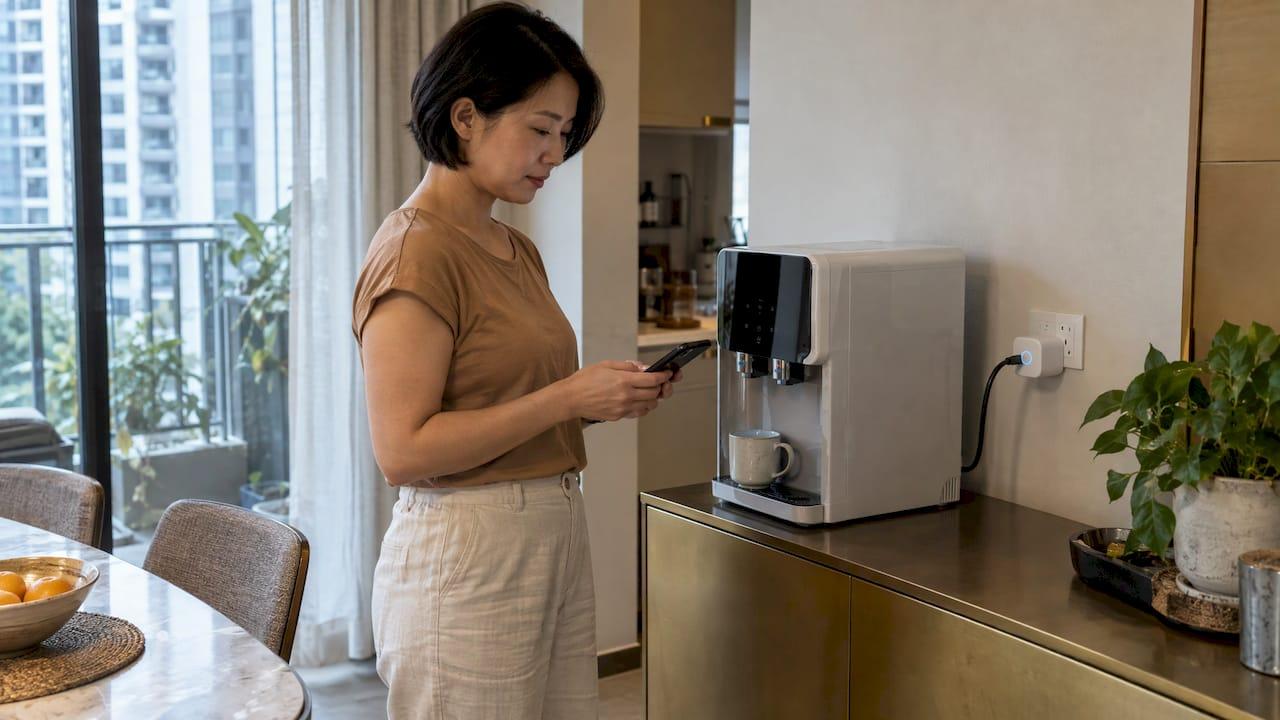
Energy monitoring in a smart home means seeing, in an app, how much electricity your home and its appliances use, so you can act on it. In Singapore you can do this at three levels: a smart plug on one appliance, a monitor on the distribution board for the whole home, and the SP Group advanced meter for household totals. A new condo with smart-home systems built in, like Hougang Central Residences above Hougang MRT, gives you a head start on all three, because the home is planned around connected devices from day one.
TL;DR
- A smart plug measures one appliance, a distribution-board monitor measures the whole home or each circuit, and the SP advanced meter shows household totals in half-hour blocks.
- Air-conditioners, water heaters and refrigerators account for about 75% of home electricity use, so start the hunt there.
- Singapore uses Type G (BS 1363) sockets: buy plugs made for that standard, and plug one appliance straight into each.
- A 15-month study of 125 households found about 5% lower use among people who tracked consumption with smart plugs and learned how to act on it.
- Whole-home monitors that clip onto the electrical supply should be fitted by a Licensed Electrical Worker.
Table of Contents
- The three layers of energy monitoring
- What the SP advanced meter gives you
- Where the electricity goes
- Smart plugs: the easiest start
- Turning watts into dollars
- Whole-home and per-circuit monitoring
- Does monitoring actually lower the bill?
- A starter plan for a new home
- What to look for in a smart-home condo
- Hougang Central Residences
- Our perspective
- FAQ
- Sources
The three layers of energy monitoring
People use "energy monitor" for very different devices. Knowing which layer answers which question saves money and frustration.
| Layer | What it measures | Speed of data | Typical question it answers |
|---|---|---|---|
| Smart plug | One appliance in one socket | Live, refreshed every few seconds | "What does this water dispenser cost me?" |
| Whole-home or per-circuit monitor | The home, sometimes split by circuit | Live | "Which circuit spikes at night?" |
| SP advanced (smart) meter | Household total | Half-hourly, viewed after the fact | "Was this month higher than last?" |
A smart plug measures only what is plugged into its socket, while a monitor in the distribution board can show whole-household use, and with the right setup a breakdown by circuit. The SP meter, by comparison, reports totals a day or so later. Think of the meter as your statement and the plugs and monitors as the live camera.
What the SP advanced meter gives you
The Open Electricity Market says advanced meters record consumption every half hour, and households can view the data on the SP App. The same page says advanced meters are being installed across Singapore by 2026, with SP Group notifying households by mail when installation is scheduled. To find out which meter you have, you can contact SP Group at choice@spgroup.com.sg or 1800-233-8000.
The older cumulative meters are read once every two months, with the other month estimated, so your bill can drift from your real use. The SP App lets you check readings by day, month or year and submit readings so billing is not based on averages.
If you buy electricity from a retailer rather than staying on the regulated tariff, you choose between keeping your existing meter with load-profile metering or installing an advanced meter. SP Group's rate schedule, effective 1 April 2026, lists an AMI meter installation fee of S$40.00 per meter for that opt-in case.
The limit of the meter is timing. It tells you that Saturday was expensive. It cannot tell you that the culprit was the storage water heater running from 6 a.m.
Where the electricity goes
Before buying anything, know where to look. The NEA household guide says air-conditioners, water heaters and refrigerators account for about 75% of home electricity use. A 2017 academic study of Singapore households put the same three appliances at around 76% of total consumption.
The NEA also publishes what small changes are worth. According to its energy-saving tips by appliance:
- Raising the aircon set temperature by one degree saves about 3% of utility costs.
- Switching the aircon off half an hour earlier with the timer saves about 2%.
- Running the aircon for an hour and then using a fan saves about 23%.
- Switching appliances off at the socket saves roughly 2%, because many keep drawing power when "off".
Monitoring turns these percentages into your own numbers. If your aircon circuit shows a long evening plateau, a timer or a smart aircon controller has a clear job. Our guide to smart aircon control choices for Singapore condos covers how to cut idle running time, and the heat pump water heater guide looks at the second big load.
Smart plugs: the easiest start
Smart plugs with energy monitoring are the cheapest way to start, and they are the reason the "smart plug" version of this search is far more popular than the whole-home one.
How they work
A plug with a metering chip reports the power draw of whatever is connected, then stores daily and monthly totals in its app. TP-Link's Singapore support page for its Tapo P110 and P115 plugs says energy monitoring needs firmware 1.1.2 or newer and Tapo app version 2.10.x or newer. It shows real-time power refreshed every five seconds, 30-day consumption and graphs by day, month or year. The same feature guide describes a power-protection setting that switches the plug off if consumption stays above a threshold you set, which is useful against overloads.
Checks before you plug in
- Socket type. Singapore uses Type G (BS 1363) three-pin plugs. US-version smart plugs will not fit, and running a 13A appliance through a travel adapter is a fire risk.
- Rating. Read the maximum load printed on the plug. Many Type G smart plugs are rated for 13A, and the figure in watts differs by model.
- One appliance per plug. Plug the appliance directly in, not through an extension strip or a second smart plug.
- Matter support. Matter-certified plugs work across different smart-home apps, so you are not locked into one ecosystem.
- Indoor use. Keep plugs indoors and dry.
- Behaviour after an outage. Before automating an appliance, check that it resumes safely when power returns. Do not automate heaters or anything that should not run unattended.
A one-week survey
Move one plug between appliances over a week and you build a consumption map. Typical Singapore culprits are a water dispenser drawing 80 to 120W continuously, an old spare-room TV at 150W or more, and several phone chargers left plugged in at 3 to 5W each.
Turning watts into dollars
The sum is simple: watts ÷ 1,000 × hours × tariff per kWh. The regulated tariff for April to June 2026 was 29.72 cents per kWh including GST. The tariff is reviewed every quarter, so check the latest figure on your bill or the SP Group site before you calculate.
Worked example at that 29.72-cent rate: a water dispenser drawing 100W around the clock uses 0.1 kW × 720 hours = 72 kWh a month, which comes to about S$21.40. Fitting it with a schedule that cuts it off for eight hours overnight would remove a third of that. Your own appliance, your own plug reading, your own tariff: the method is what matters.

Standby loads add up the same way. Five to 15W across eight to 10 electronics is 40 to 150W running 24 hours a day, which the same guide puts at roughly S$8 to S$32 a month. A single bedtime automation that cuts power to the TV, console and chargers captures most of it.
Whole-home and per-circuit monitoring
Smart plugs cannot see hardwired loads such as the aircon compressors and the water heater, which are the largest consumers. For those you need a monitor in the distribution board. Clamp-style monitors are non-invasive because they clip around a cable without cutting it, but under Singapore's licensing rules the safe move is to hire a Licensed Electrical Worker to install one. Do not open the board yourself.

Some developments build this in. M1's Tengah project page describes HDB flats with a smart distribution board that lets residents view each circuit's consumption in an app, plus optional appliance-level insights using AI to recognise which appliance is running. The idea is the same one this article is about: per-circuit data shows which load is the problem, so you stop guessing.
Does monitoring actually lower the bill?
A 15-month study of 125 households found that people who used IoT smart plugs and received energy-conservation education used about 5% less energy than a control group. Savings grew when more appliances were connected, when people checked more often, and when plugs were used on cooling, heating and audio-visual equipment.
The lesson is practical: the data does the work only if you look at it and act. Connect the big and the idle appliances, check weekly, and set automations for what you find. Singapore's regulators see the same potential: an EMA pilot with 1,000 Jurong households issued monthly personalised energy reports with savings tips based on advanced-meter data.
A starter plan for a new home
- Week 1: Set up the SP App and note your daily consumption pattern.
- Week 2: Put a smart plug on each of the water dispenser, TV and entertainment cabinet, and the study or work desk. Record the standby watts.
- Week 3: Add schedules and a night-time automation. Set the aircon timer and raise the set temperature by a degree.
- Week 4: Compare the SP App totals with last month. If the aircon or water heater still dominates, consider per-circuit monitoring through a Licensed Electrical Worker.
A reliable network matters because plugs and monitors depend on it. Our note on wired backhaul for mesh Wi-Fi in Singapore condos explains how to keep devices connected through concrete walls.
What to look for in a smart-home condo
If you are choosing a home, energy visibility is one more reason to favour a unit planned for connected devices. Sockets in the right places, a solid network, and a distribution board with space for monitoring all make later upgrades simpler. Our smart-home features checklist for new condos lists what to look for, and why smart condos suit modern buyers explains the wider case. For a view of what monitoring means beyond power, see what remote home monitoring is, and for the water side, smart water leak detectors for condos.
Hougang Central Residences
Hougang Central Residences is a condominium above Hougang MRT station with 835 residences, from 1-bedroom plus study to 5-bedroom penthouses, integrated with a retail mall and bus interchange. It comes with comprehensive smart-home systems, premium European fittings and tropical landscaped communal spaces. Prices start from S$2,800 per sq ft, listed on the pricing page, and every unit type is on the residences page.
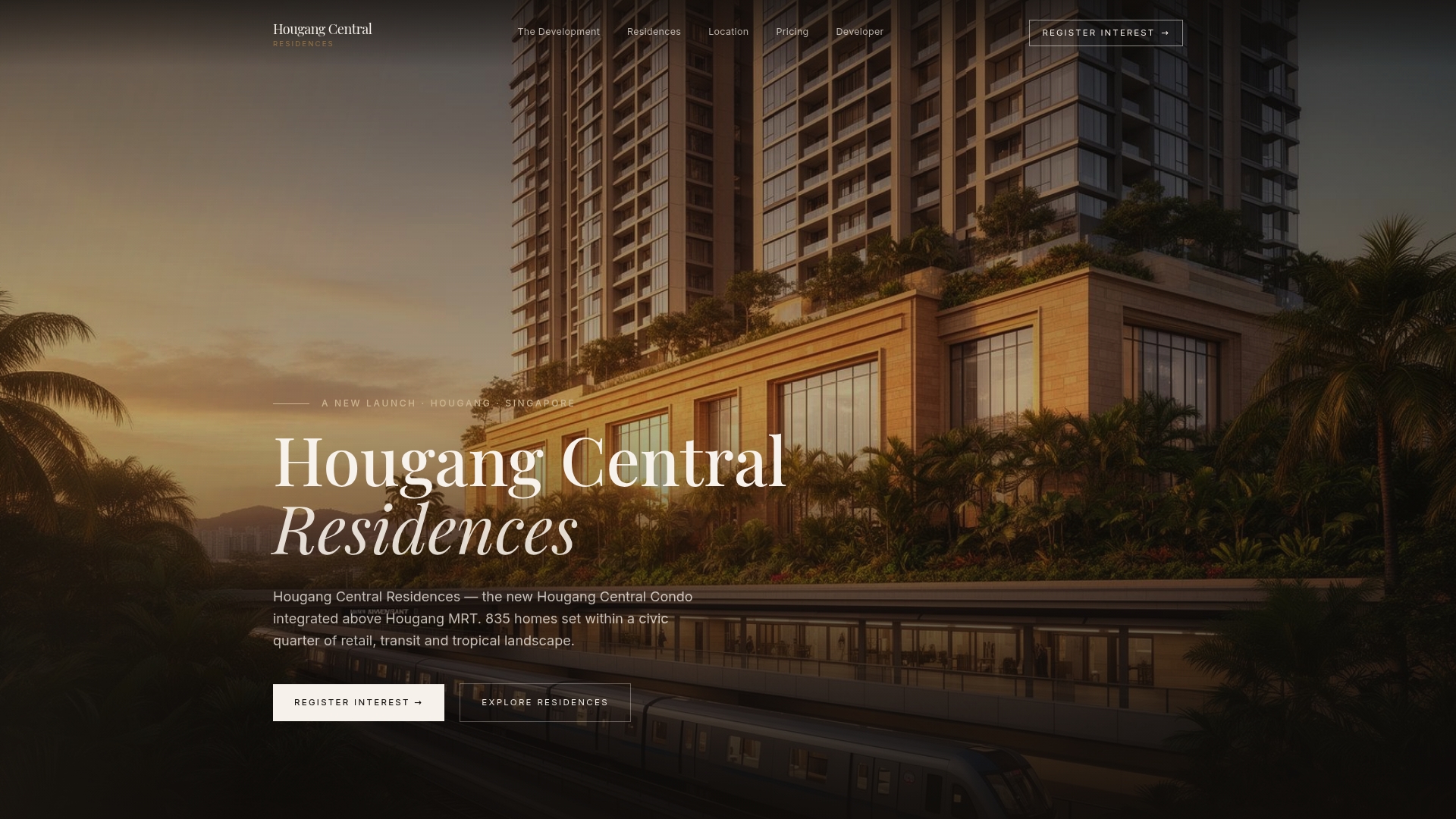
For families, young professionals, investors and retirees alike, a home designed around smart systems is a home where tracking and trimming your electricity is a matter of apps, not rewiring. You can register your interest from the Hougang Central Residences site.
Our perspective
We think energy monitoring should be part of how a home is chosen, not an afterthought bolted on after move-in.
The research points the same way. The 15-month household study found savings when people could see their consumption and were taught what to do with it, and Singapore's own researchers argue that smart-home technology works best when it is designed around how residents actually behave. A home built with smart-home systems from the start makes that behaviour easier: connected devices, automations and schedules are part of daily life rather than a project.
At Hougang Central Residences, our smart-home systems, our range from 1-bedroom plus study to 5-bedroom penthouses, and a location directly above the MRT are designed to cut daily friction. Energy visibility is one more piece of that picture. Know your aircon, your water heater and your standby load, and a household of any size can run lighter.
Simon
FAQ
What is the difference between a smart meter and an energy monitor?
The SP advanced meter is the utility's meter. It records your household total every half hour and shows it in the SP App after the fact. An energy monitor, whether a smart plug or a distribution-board device, is yours and gives live readings by appliance or circuit.
Is it compulsory to upgrade to a smart meter in Singapore?
The Open Electricity Market says advanced meters are being installed across Singapore by 2026, and SP Group notifies households by mail when theirs is scheduled. Households that switch to a retailer can keep their existing meter with load-profile metering or install an advanced meter. Contact SP Group on 1800-233-8000 to confirm which meter you have.
What runs your electric bill up the most?
According to the NEA, air-conditioners, water heaters and refrigerators account for about 75% of home electricity use. Monitoring shows how that splits in your own home.
Do smart plugs with energy monitoring work in Singapore sockets?
Only if they are Type G (BS 1363) plugs. Check the rated load, plug one appliance directly into each, and keep them indoors. TP-Link's Tapo plugs, for example, need recent firmware and app versions for the energy-monitoring feature.
Sources
- Whole-Home Energy Monitoring for Singapore HDBs and Condos
- The Best Smart Plugs with Energy Monitoring for Singapore
- Electricity Meter Options, Open Electricity Market
- SP App consumption insight
- SP Group transmission service rate schedule, April 2026
- NEA guide for new home owners
- NEA energy saving tips by appliance
- Energy conservation through smart homes in a smart city
- Tapo plug energy monitoring feature guide
- M1 Tengah project usage monitoring
- IoT-Based Smart Plug for Residential Energy Conservation
- EMA advanced electricity meters media release, 2019