TL;DR:
- Remote home monitoring uses connected devices to let homeowners secure and view their property from anywhere. Professional, self, and hybrid models offer different response times, costs, and insurance discounts. Buyers should choose systems and automations that match their lifestyle and property type for effective security.
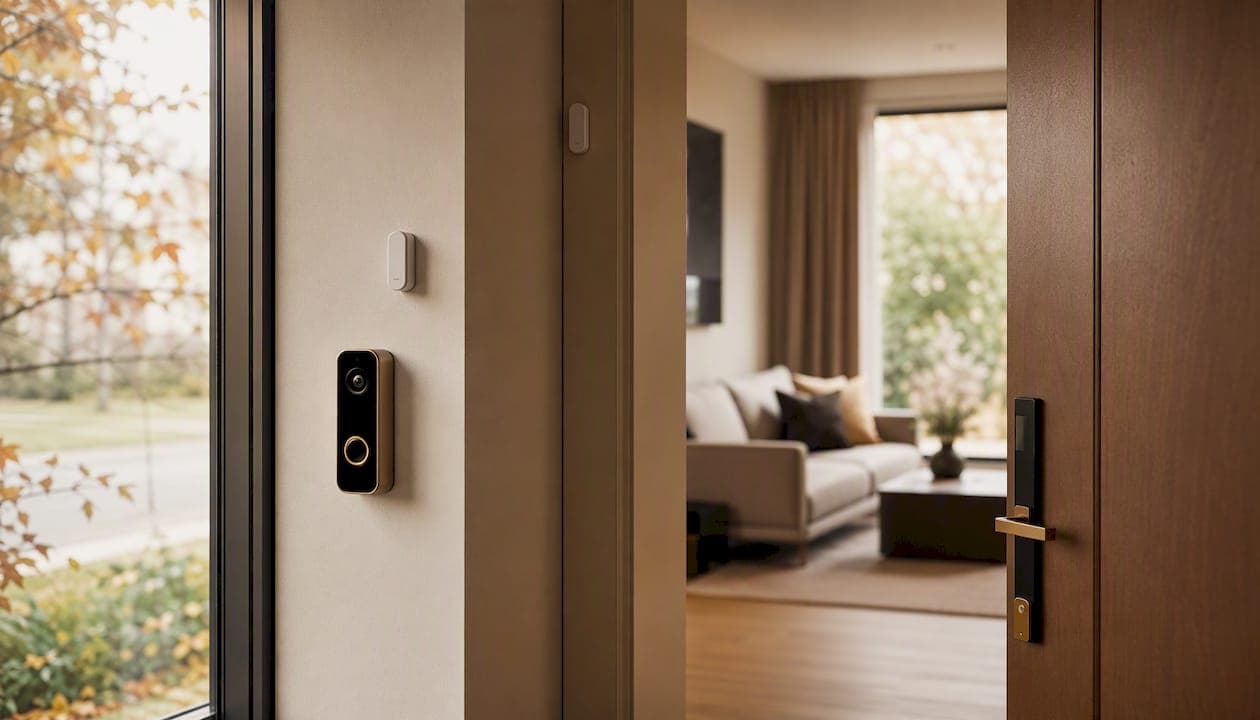
Remote home monitoring is residential smart-home surveillance: cameras, sensors, smart locks, and connected services that let you view, secure, and manage your property from anywhere via a smartphone app. Three groups benefit most:
- Primary homeowners who travel and want real-time visibility when no one is home
- Condo residents who want app-based building integration, package alerts, and remote door access
- Property investors and managers overseeing rentals or vacation homes across multiple addresses
The right setup depends on one core decision: self-monitoring (you handle every alert), professional 24/7 monitoring (a UL-listed central station acts on your behalf), or on-demand hybrid (professional coverage only when you activate it). Each model carries a different cost, response speed, and insurance implication.
Table of Contents
- What remote home monitoring actually means — and which model fits you
- Core devices that make up a home monitoring system
- What you should budget for equipment, monitoring, and contracts
- How to choose the right setup for your property
- Starter, midrange, and fully monitored setups
- What to expect after installation
- Key Takeaways
- The case for fewer, better automations
- Useful sources and further reading
- Hougang-central-residences already includes what most buyers have to build from scratch
- FAQ
What remote home monitoring actually means — and which model fits you
Every home security system in the U.S. falls into one of three monitoring models: professional, self, or on-demand hybrid.
| Model | Who responds | Typical monthly cost | Insurance discount | Best for |
|---|---|---|---|---|
| Self-monitoring | You (owner calls 911) | $0 | Limited credit | Budget renters, urban condos |
| Professional (24/7) | UL-listed central station | $20–$60 | Full discount | Primary homes, seniors, investors |
| On-demand/hybrid | You activate pro coverage | Varies | Partial | Seasonal/vacation homes, travelers |
A UL-listed central station has been independently certified by Underwriters Laboratories for staffing, backup power, and response procedures. That certification is what most insurers require before granting a full protective-device discount.
On-demand monitoring is a practical middle ground for seasonal homes: you pay for professional coverage only during the periods you actually need it, rather than carrying a year-round contract on a property that sits empty for months.
Core devices that make up a home monitoring system
A working system has more moving parts than most buyers expect. Here is what each component actually does:
| Device | Primary role | Installation note |
|---|---|---|
| Video doorbell | Visitor ID, package theft deterrence | DIY-friendly |
| Indoor/outdoor cameras | Live view and recorded clips | DIY or pro |
| Entry sensors (door/window) | Detect unauthorized opening | DIY |
| Motion sensors | Zone-based movement alerts | DIY |
| Water/flood sensors | Early leak detection | DIY |
| Smoke/CO detectors | Fire and gas alerts | Pro recommended |
| Smart locks | Remote lock/unlock, access codes | DIY or pro |
| Hub/bridge | Device interoperability, scene automation | DIY |
| Cellular backup | Keeps system online if Wi-Fi fails | Pro recommended |
The hub is the piece most buyers skip and later regret. A smart-home hub acts as a translator between devices from different manufacturers, enables scene automation (Away, Goodnight, Vacation), and lets you control everything from one app rather than four. When shopping, prioritize hubs and cameras that support Matter or Thread — the newer interoperability standards that reduce vendor lock-in as your system grows.
Non-camera sensors deserve more credit than they get. On-device AI and sensor fusion can detect motion, sound, or environmental changes locally, without uploading video to the cloud — a meaningful privacy advantage for eldercare settings or privacy-conscious condo residents.
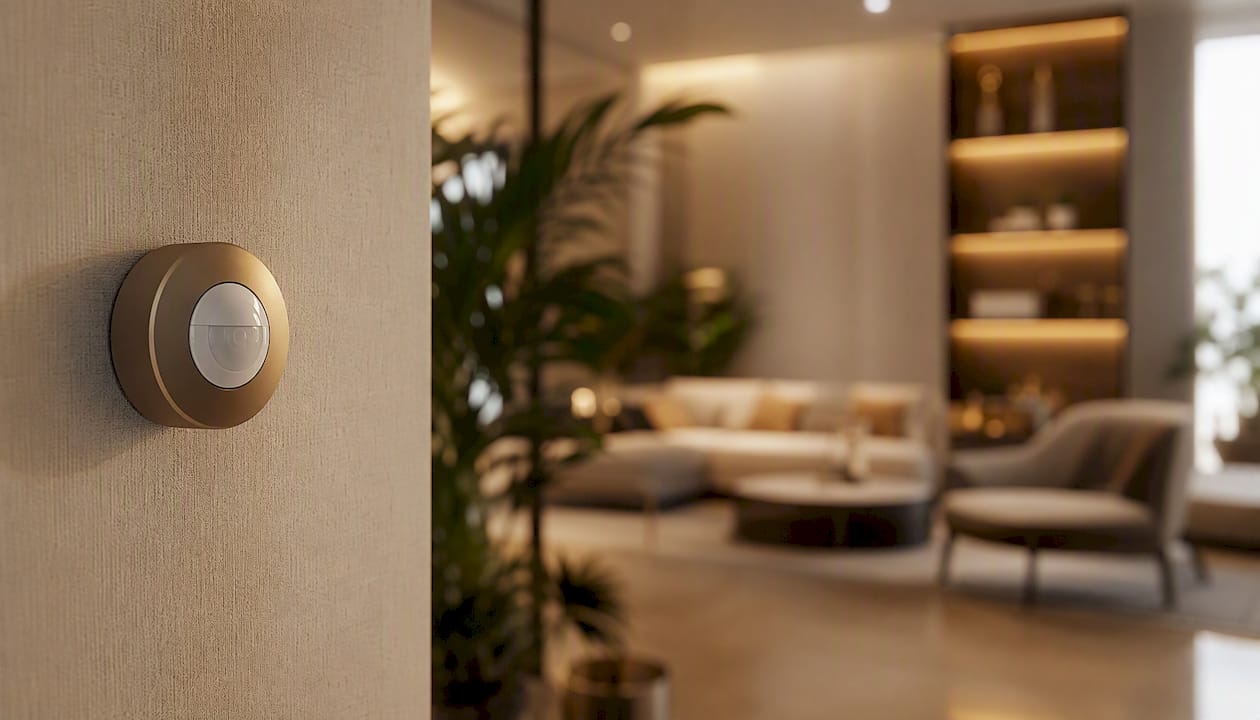
Pro Tip: Place entry sensors on every ground-floor door and window first. Cameras cover what sensors miss, but sensors are cheaper, faster to trigger, and don't require a clear line of sight.
What you should budget for equipment, monitoring, and contracts
Equipment costs range from under $200 for a starter video doorbell and one camera to $1,000 or more for a full professionally installed system with cellular backup. Monthly monitoring runs from $0 for self-monitored setups up to moderate fees for professional tiers.
| Setup tier | Approx. equipment cost | Monthly monitoring | Contract type |
|---|---|---|---|
| DIY self-monitored | $150–$400 | $0 | None |
| DIY with pro monitoring | $200–$400 | $10–$30 | Month-to-month or annual |
| Professional install + monitoring | $800–$1,500+ | $30–$60 | 1–3 year term common |
Contract terms matter as much as the monthly rate. Financed equipment plans often lock you into 2–3 year monitoring contracts; if you move or want to switch providers, early termination fees can run into hundreds of dollars. Month-to-month plans cost slightly more per month but give you flexibility.
Smart-home technology that detects burglary, fire, or water events commonly qualifies for insurer protective-device discounts. Professional monitoring through a UL-listed center typically unlocks a full insurance discount; self-monitoring may earn a smaller credit, but verify this directly with your insurer — requirements vary by carrier and policy type.
How to choose the right setup for your property
Start with four questions: How often are you away? What's your response expectation? What's your monthly budget? And is your property a condo, single-family home, or rental?
Condo residents have a different decision than single-family homeowners. Centralized cloud-connected security in multifamily buildings often handles common-area surveillance already; your unit-level system needs to integrate with the building's app rather than duplicate it. Look for systems that expose an API or support the same ecosystem your building management uses.
Ten questions to ask any provider before signing:
- Is your monitoring center UL-listed?
- Do you support ASAP-to-PSAP digital dispatch?
- Does the system use video verification before calling 911?
- What happens if my Wi-Fi goes down — is cellular backup included or an add-on?
- Who owns my video footage, and where is it stored?
- What is your data-retention period, and can I delete footage on demand?
- Is the contract month-to-month or term-based, and what are the early termination terms?
- Does the equipment work with other platforms if I cancel monitoring?
- How are firmware updates delivered — automatically or manually?
- What discount documentation do you provide for my homeowner's insurer?
Red flags: no local storage or cellular backup option, no clear verification workflow before dispatch, and vague or non-existent answers about data retention.
Starter, midrange, and fully monitored setups
Match your budget to your actual risk profile, not the most impressive spec sheet.
-
Starter ($150–$400, self-monitored): Video doorbell, one outdoor camera, entry sensors on front and back doors. Best for budget-conscious renters and urban condo buyers who want package alerts and visitor ID. You handle every notification yourself.
-
Midrange ($400–$800, optional monitoring): Add smart locks, two to three cameras covering key zones, water sensors under sinks and near the water heater, and a hub for scene automation. Optional monthly monitoring adds professional backup without a long-term commitment. Fits families and condo owners who want app integration across building- and unit-level systems.
-
Fully monitored ($800–$1,500+): Professionally monitored alarm panel, video verification cameras, cellular backup, smoke/CO detectors, and a UL-listed central station contract. The right call for frequent travelers, property investors managing rentals remotely, and seniors living alone. This tier is also where smart-home features add measurable buyer appeal and can support a stronger resale or rental valuation.
What to expect after installation
A system you don't maintain degrades faster than most owners expect. Battery-powered sensors typically need fresh batteries every 12–18 months; check them quarterly. Set a monthly test alarm so you know the signal chain is intact. Clean camera lenses seasonally — dust and spider webs genuinely affect night-vision quality.
Alert fatigue is a real problem. Too many motion notifications train you to ignore them, which defeats the purpose. Configure activity zones and sensitivity thresholds to match your property's actual traffic patterns. A camera pointed at a busy sidewalk with default sensitivity will ping you dozens of times a day.
Pro Tip: Document your system's access codes and monitoring account credentials in a secure password manager, and share emergency access with one trusted neighbor or property manager. If you're traveling and your phone dies, someone else can respond.
For professional monitoring, a triggered alert typically looks like this: push notification with a thumbnail clip arrives on your phone within seconds; if you don't respond or confirm a false alarm within a set window (often 30–60 seconds), the central station calls your primary number, then your emergency contacts, then dispatches.
Key Takeaways
Remote home monitoring works best when the monitoring model, device stack, and network resilience are matched to how you actually live — not to the most feature-rich catalog option.
| Point | Details |
|---|---|
| Choose the right monitoring model | Self-monitoring is free; professional 24/7 monitoring ($20–$60/month) unlocks full insurer discounts and faster dispatch. |
| Hub and cellular backup first | A hub enables scene automation and device interoperability; cellular backup keeps the system online when Wi-Fi fails. |
| Video verification changes dispatch | Monitoring centers that use video verification reduce false dispatches and can cut 2–3 minutes off police response via ASAP-to-PSAP. |
| Ask ten questions before signing | Confirm UL listing, ASAP-to-PSAP support, data ownership, and contract flexibility before committing to any provider. |
| Hougang-central-residences | Integrates smart-home systems and app-based condo management into its 835-unit development, giving residents a built-in monitoring foundation. |
The case for fewer, better automations
Most people setting up a home monitoring system make the same mistake: they build too many routines and trust none of them. A system with 20 automations that occasionally misfires is less useful than one with three that work every time.
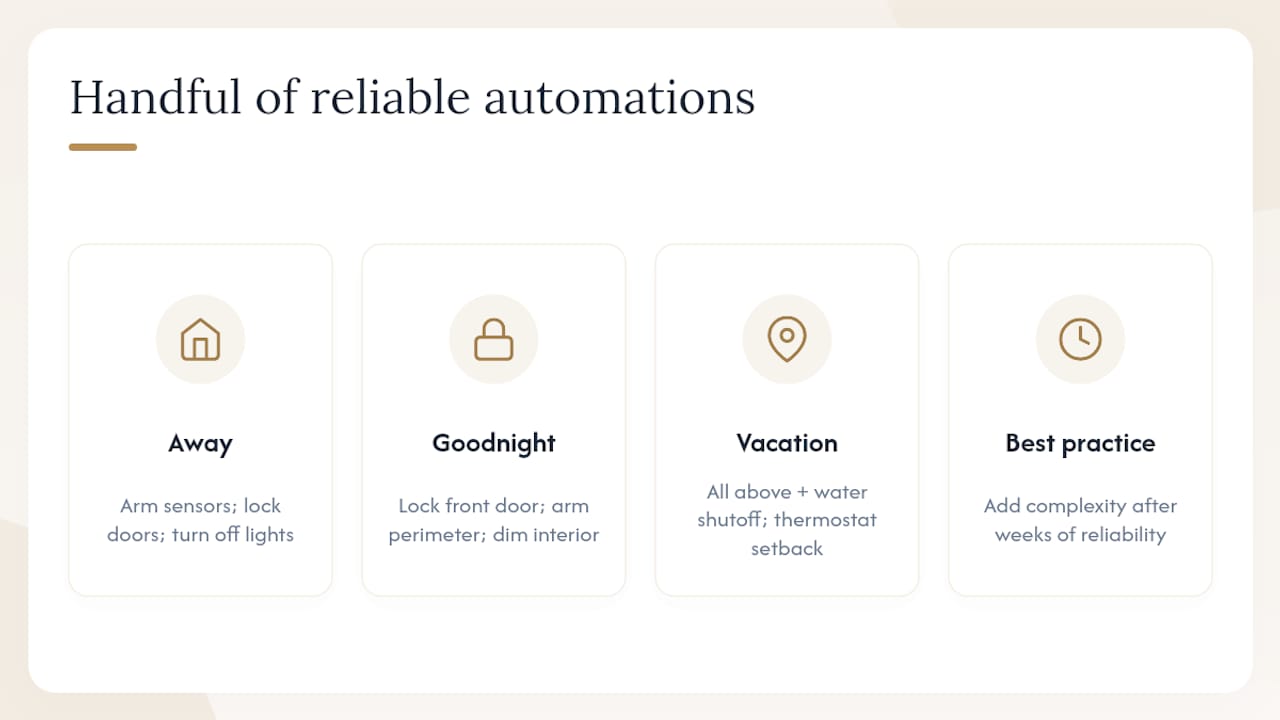
The practical recommendation is to build around a handful of reliable scenes — Away (arm sensors, lock doors, turn off lights), Goodnight (lock front door, arm perimeter sensors, dim interior), and Vacation (all of the above plus water shutoff and thermostat setback). These cover the scenarios that actually matter for security and loss prevention. Add complexity only after the core automations have proven reliable over several weeks.
For condo residents, the calculus shifts slightly. Building-level systems already handle common areas and entry points; your unit-level automation should integrate with, not duplicate, what the building provides. That's where smart condos built with integrated systems have a genuine edge — the infrastructure is already there, and your personal devices layer on top rather than starting from scratch.
Privacy and security aren't in conflict here. Fewer cloud-connected devices, local processing where possible, and a well-segmented network give you strong monitoring without handing your daily routines to a vendor's data team.
Useful sources and further reading
The claims in this guide draw on the following authoritative references:
- Smart Home Security: How to Build a Connected, Safe Home | SecuritySystemsReview.com
- Self-Monitored vs Pro-Monitored Security (2026) | SecuritySystemsReview
- Is Home Security Worth It? 2026 | ConsumerAffairs
- Remote home monitoring explained: boost security in 2026 | SmartHomeHQ
- How smart home technology helps protect your home | Travelers
- Apartment & multifamily security systems | Pelco blog
- 8 Smart Home Security Benefits That Matter Most - Fluent Home
Hougang-central-residences already includes what most buyers have to build from scratch
For buyers comparing smart-home setups unit by unit, Hougang-central-residences offers something most new builds don't: smart-home systems and app-based condo management built into the development from day one. The 835 residences above Hougang MRT come with the infrastructure already in place — residents aren't retrofitting sensors into a dumb building or negotiating with a landlord about router placement.
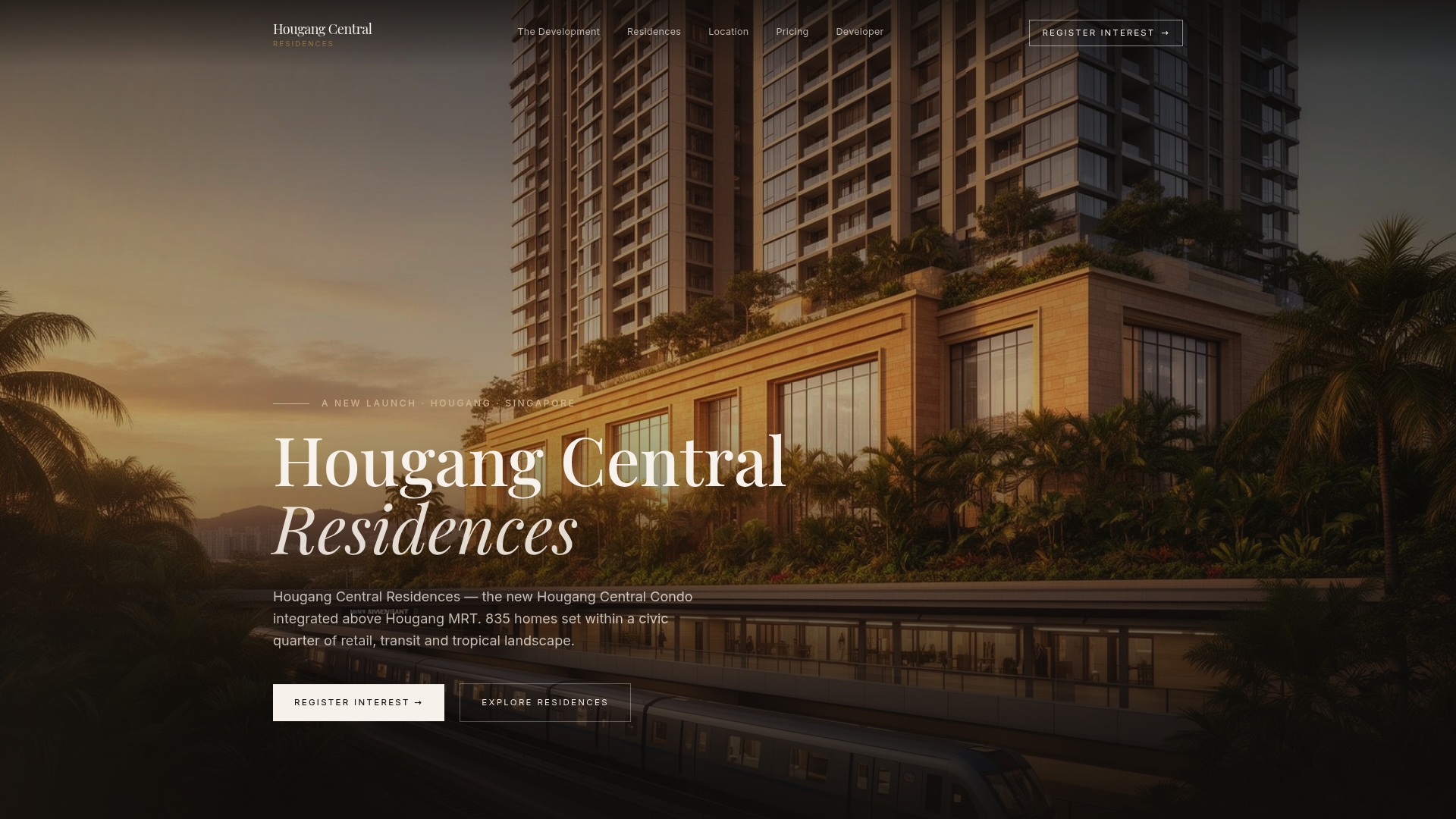
That matters for the reader coming from this guide. You've just mapped out what a fully integrated monitoring setup requires: a hub, cellular backup, compatible devices, and a building that doesn't fight your system. Hougang-central-residences delivers that foundation, plus direct MRT access, a retail mall, and a future Cross Island Line interchange — the kind of location that holds value for investors and makes daily life easier for residents. If you're weighing a new condo purchase against a retrofit project, register for a showflat appointment and see the integrated smart-home features in person.
FAQ
What is remote home monitoring in simple terms?
Remote home monitoring is a network of cameras, sensors, and smart devices connected to an app that lets you watch, secure, and control your home from anywhere. It covers everything from video doorbells to water leak sensors.
What's the difference between self-monitoring and professional monitoring?
Self-monitoring means you receive alerts and decide whether to call 911 yourself. Professional monitoring means a UL-listed central station verifies the alert and dispatches emergency services on your behalf, typically for $20–$60 per month.
Does home monitoring lower homeowner's insurance?
Professional monitoring through a UL-listed central station commonly qualifies for a full protective-device discount from insurers. Self-monitoring may earn a smaller credit; confirm requirements directly with your carrier.
How does video verification reduce false alarms?
Video verification lets a monitoring agent confirm a real intrusion on camera before contacting 911, which significantly reduces false dispatches. Many police departments now deprioritize unverified alarm calls, making this feature practically important.
Is remote home monitoring worth it for a condo?
Yes, particularly when the condo's building system and your unit-level devices share the same app ecosystem. Condo app integration lets you manage building entry, unit sensors, and remote access from one interface rather than managing separate platforms.